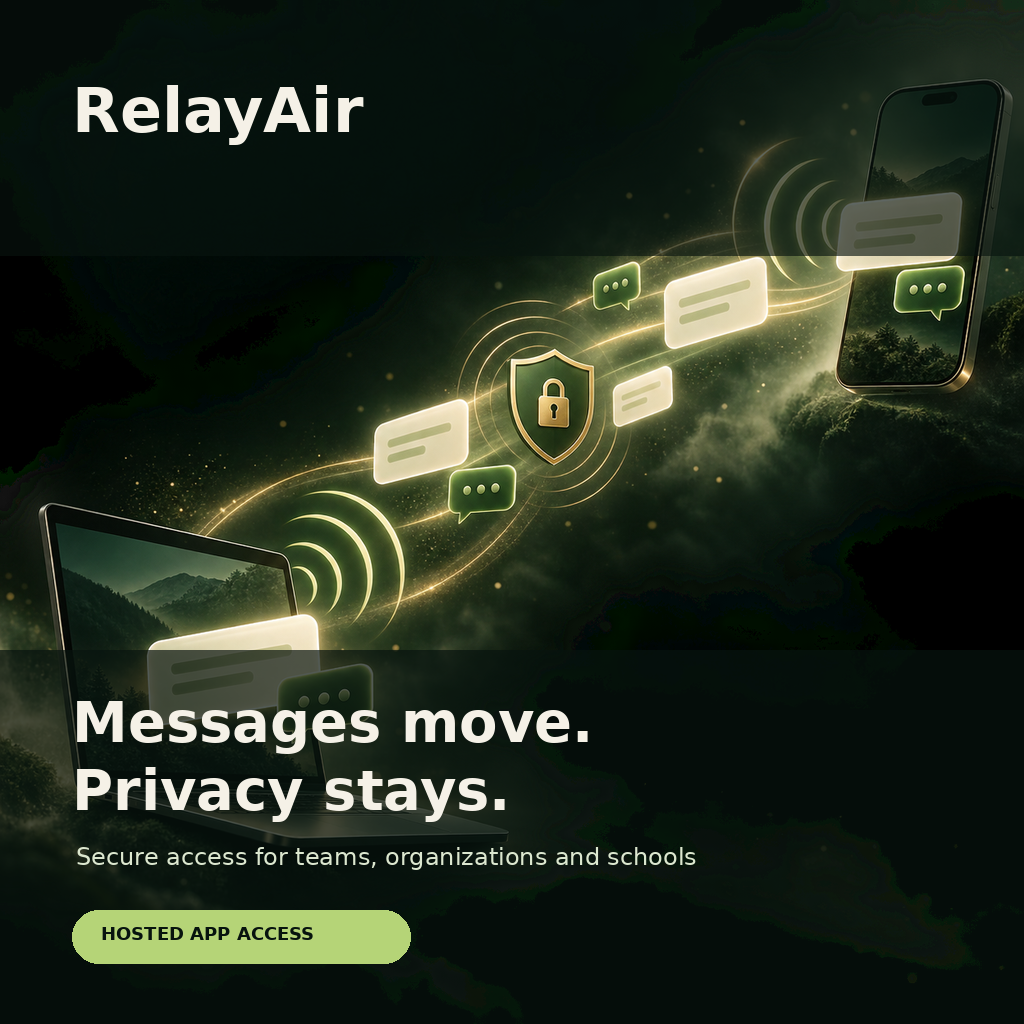
💬 RelayAir — Private Messaging for the People Who Work Together
RelayAir gives teams, businesses, schools, and organizations one calm place for direct conversations, group coordination, media, and protected files.
Use RelayAir in a browser or install the web app on supported phones, tablets, and computers. Keep conversations available across approved devices while protecting synchronized history with a PIN.
Fast conversations. Clear controls. One managed workspace.
📨 Messaging That Covers Everyday Communication
RelayAir combines the communication tools people expect with workspace controls for the organization responsible for the account.
Every paid workspace includes:
💬 Direct messaging
👥 Group conversations
🖼️ Image sharing
🎥 Video sharing
📎 Protected file attachments
✓✓ Delivered and read status
⏳ Disappearing-message controls
🔔 Device notifications
📲 Installable web app access
🔐 PIN-protected synchronized history
🛡️ Blocking, reporting, and safety controls
👥 Choose the Workspace Size That Fits
| Plan | Members | Best for | Monthly | Annual |
|---|---|---|---|---|
| Team | Up to 25 | Teams, clubs, departments, and growing businesses | $19.99 | $199.99 |
| Organization | Up to 100 | Organizations, programs, and schools | $79.99 | $799.99 |
| Enterprise | 101+ | Large organizations with contracted capacity and billing | Contact us | |
Annual pricing is approximately ten monthly payments for twelve months of service. Select your plan and billing period above. You can change to another available plan later through My Account → Subscriptions.
📊 Compare the Paid Plans
| Capability | Team | Organization | Enterprise |
|---|---|---|---|
| Workspace members | Up to 25 | Up to 100 | Contracted capacity |
| Direct and group messaging | ✓ | ✓ | ✓ |
| Images, video, and protected files | ✓ | ✓ | ✓ |
| Delivery and read receipts | ✓ | ✓ | ✓ |
| Disappearing-message settings | ✓ | ✓ | ✓ |
| PIN-protected history sync | ✓ | ✓ | ✓ |
| Managed membership and workspace policies | ✓ | ✓ | ✓ |
| Custom roles, tags, and channel access rules | ✓ | ✓ | ✓ |
| Moderation and administrative audit access | Limited | ✓ | ✓ |
| Advanced search | — | ✓ | ✓ |
| School and youth safety controls | — | ✓ | ✓ |
| Contracted support and capacity | — | — | ✓ |
🔐 Protect Synchronized Message History
RelayAir can synchronize eligible conversation history across approved devices. Users can protect that history with a PIN and choose how long a device may remain inactive before the PIN is required again.
The device can still sign in normally while keeping protected history hidden until the correct PIN is entered.
⏳ Control Disappearing Messages
Choose disappearing-message behavior for supported conversations. This gives participants a clear way to limit how long routine messages remain visible while preserving ordinary conversations when disappearing messages are not needed.
Workspace safety, abuse handling, and legally required internal compliance processes remain separate from the customer-facing disappearing-message controls.
📱 Use RelayAir Across Supported Devices
RelayAir is available as a responsive web application and can be installed as a Progressive Web App on supported devices. Installation provides an app-like launch experience and enables supported device-notification capabilities.
Native iPhone and Android applications are planned. Native-app subscriptions will use the applicable Apple App Store or Google Play billing system when those applications are released.
🏫 Built With Schools and Youth Programs in Mind
The Organization & Schools tier includes controls designed for school-managed and youth-serving environments. These capabilities help authorized adults manage membership, roles, safety reporting, and appropriate workspace access.
Schools, guardians, and organizations remain responsible for configuring access appropriately, obtaining any required consent, and following their own legal and policy obligations.
🧭 How Purchase and Activation Work
- Create or sign in to RelayAir.
- Create the workspace you want to upgrade.
- Open Plan & Billing and copy the workspace ID.
- Select the plan and billing period on this page.
- Enter the workspace ID during checkout.
- Paid access is assigned to that workspace after successful payment.
The workspace ID prevents a purchase from being applied to the wrong organization. One transaction cannot be claimed by multiple workspaces.
🔄 Upgrade, Downgrade, or Change Billing
RelayAir plans are variations of one subscription product. This keeps plan management together in one place.
From My Account → Subscriptions, customers can select another eligible RelayAir plan or change between monthly and annual billing. Upgrades may require a prorated payment. Downgrades normally take effect at the next billing cycle.
🔓 What You Are Purchasing
You are purchasing a subscription entitlement for a RelayAir workspace. You are not purchasing RelayAir source code, server access, a WordPress plugin, a downloadable software license, or ownership of the service.
APS Software Manager records the hosted-service entitlement behind the scenes. No license key is required from the customer.
❓ Frequently Asked Questions
Can I try RelayAir before buying a workspace plan?
RelayAir accounts can use the available free experience. Purchase a workspace plan when you need the paid member capacity and organization controls shown above.
Do I need to download anything?
No. RelayAir runs in a supported browser. You may install the web app for a more app-like experience.
Does RelayAir support images and video?
Yes. RelayAir supports images, video, and protected file attachments in eligible conversations.
Are delivery and read receipts included?
Yes. RelayAir shows supported delivered and read status.
Can messages disappear automatically?
Yes. Supported conversations include configurable disappearing-message controls.
Can I protect synchronized history with a PIN?
Yes. Users can protect eligible synchronized history and choose an inactivity period before the device requires the PIN again.
Can I change plans later?
Yes. Manage eligible upgrades, downgrades, and billing-frequency changes through My Account → Subscriptions.
Why does checkout ask for a workspace ID?
The ID tells the billing system exactly which RelayAir workspace should receive paid access.
Will I receive a license key?
No. RelayAir is a hosted service. Access is assigned directly to the selected workspace.
Does the plan include legal evidence tools?
No. Legal preservation and evidence production are restricted internal compliance operations used only when legally required. They are not customer features.
How does renewal work?
The subscription renews automatically until canceled through the original billing provider. Applicable taxes and the renewal terms shown at checkout control.
💬 Give Your Organization One Place to Connect
Choose your workspace size. Select monthly or annual billing. Enter the workspace ID at checkout, and RelayAir will connect the subscription to the people who need it.


Reviews
There are no reviews yet.